

The digital marketing world is vast and to stay ahead and relevant it is crucial for a digital marketer to use the best WordPress plugins and tools to boost productivity and get better results. If you are a digital marketer who is struggling to build an engaging WordPress website but don’t know which are the best plugins to become successful in 2025 then this blog is for you. Here are the 10 best WordPress plugins every digital marketer must use in 2025, why they are important and how they can transform your digital marketing journey.
1. Rank Math SEO – Best WordPress Plugin

Class: SEO or Search Engine Optimization
Website: https://rankmath.com
Why it is important?
Rank Math has managed to gain popularity very quickly because of its search engine optimization offerings. It helps you to enhance your content for search engines by allowing you to write meta titles, optimize keywords, generate XML sitemaps, integrate schema markup. You name it Rank Math does everything.
Core Functions:
- On-page SEO analysis along with real-time suggestions
- Keyword Tracking
- Integration with Google Analytics and Search Console
- Rich snippet support
- 404 error monitoring and redirection manager
Pro Tip: It has an AI feature for getting content ideas and SEO-optimized suggestions tailored to your focus keyword.
2. MonsterInsights – Best WordPress Plugin

Class: Analytics
Website: https://www.monsterinsights.com
Why it is important?
It is very critical for a digital marketer to track the actions and behaviour of its audience so that the performance of the website can be improved. MonsterInsights allows you to connect your website with Google Analytics directly so that you can perform your analysis.
Core Functions:
- Real-time traffic and reports
- eCommerce tracking
- Affiliate and Publisher link tracking
- Enhanced event tracking (downloads, form submissions, etc.)
- GDPR-compliant setup
Pro Tip: You can use custom dimensions for tracking date like the most popular authors or post types.
3. Elementor – Best WordPress Plugin for Designing

Class: UX/Page Builder
Website: https://elementor.com
Why it is important?
Elementor helps digital marketers to make high-converting landing pages without writing a single piece of code. It has a drag-and-drop feature and huge collection of templates (and the good news is most of them are absolutely FREE!) which make it ideal for creating custom marketing pages, popups, and CTAs.
Core Functions:
- Drag-and-drop editor
- Marketing-focused widgets (CTA, forms, sliders, testimonials)
- Integrates with Mailchimp, ActiveCampaign, and other popular tools
- Mobile-responsive controls
- Popup Builder for opt-ins and special offers
Pro Tip: It has A/B testing tools like Split Hero to find highest-converting designs.
4. WP Rocket – Best WordPress Plugin for Caching
Class: Speed Optimization
Website: https://wp-rocket.me
Why it is important?
No matter how good looking your website is but if it is not able to load in less amount of time then no user will come to visit your site. Hence, speed is crucial for SEO as well as user experience. WP Rocket is a premium caching plugin that improves load times and the good news is you don’t need to have any technical knowledge.
Core Functions:
- Page caching
- Lazy loading images
- Database optimization
- CDN integration
- Delay JavaScript execution for faster page speed
Pro Tip: It has a “Preload Cache” feature which makes sure that all pages are optimized before a visitor land on them.
5. HubSpot WordPress Plugin

Class: CRM and Lead Generation
Website: https://wordpress.org/plugins/leads/
Why it is important?
This plugin connects HubSpot’s powerful CRM, email marketing, and lead capture functions to WordPress. It is perfect for handling contacts, automating marketing workflows, and expanding your audience.
Core Functions:
- Built-in contact forms and popups
- Email automation and marketing analytics
- Live chat and chatbot functionality
- Seamless CRM integration
- Lead tracking across forms, emails, and chats
Pro Tip: It allows you to set up behavioral email campaigns based on what pages users visited.
6. Social Snap

Class: Social Media Sharing
Website: https://socialsnap.com
Why it is important?
Social Snap is a plugin which promotes sharing, increase traffic, and monitor social media engagement. It is compatible with all major platforms and integrates beautifully with blog content.
Core Functions:
- Customizable share buttons
- Click-to-tweet boxes
- Social login features
- Share count recovery
- Pinterest image pinning
Pro Tip: You can use Social Snap’s analytics to know about the platforms which bring in the most engagement.
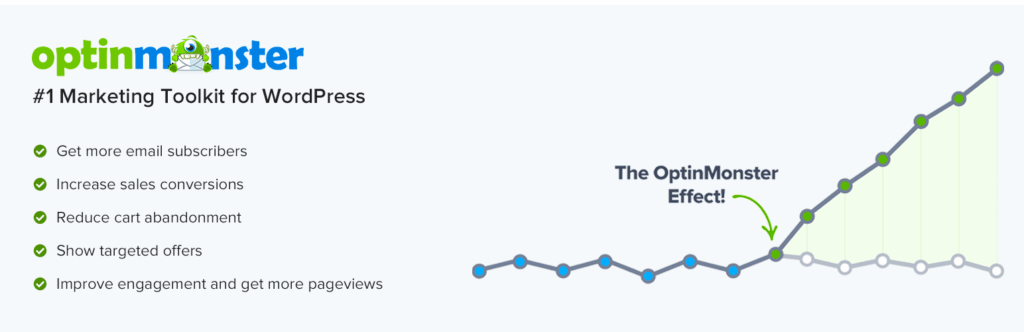
7. OptinMonster
Class: Conversion Optimization
Website: https://optinmonster.com
Why it is important?
OptinMonster helps the user to convert it website visitors into subscribers and customers with high-performing opt-in forms and popups. It is a great tool for building email lists and retargeting the abandoning users.
Core Functions:
- Exit-intent technology
- A/B testing for forms
- Multiple campaign types (popups, slide-ins, full-screen takeovers)
- Drag-and-drop builder
- Integration with popular email platforms
Pro Tip: You can use behavior-based targeting (e.g. cart abandonment) to recover lost leads.
8. Pretty Links – Best WordPress Plugin

Class: Affiliate Marketing and Link Management
Website: https://prettylinks.com
Why it is important?
Pretty Links is a plugin that helps you to cloak, shorten, and track links – specifically useful for affiliate marketing. The links that are clean and branded helps build trust and track performance.
Core Functions:
- Cloaked and branded links
- Automatic keyword linking
- Detailed click tracking
- Grouping and categorization of links
- Integration with Google Analytics
Pro Tip: On the centralized dashboard you can manage campaign UTM links.
9. Smash Balloon Social Feeds

Class: Integration of Social Media
Website: https://smashballoon.com
Why it is important?
Smash Balloon is a plugin that allows users to embed social media feeds from Instagram, Facebook, Twitter, and YouTube onto your website. It is great for showing user-generated content or real-time updates.
Core Functions:
- Customizable feed layouts
- GDPR support
- Responsive design
- Filter content by hashtags or mentions
- Multi-feed support
Pro Tip: Start displaying Instagram reels or YouTube shorts so that the landing page has some dynamic visual content.
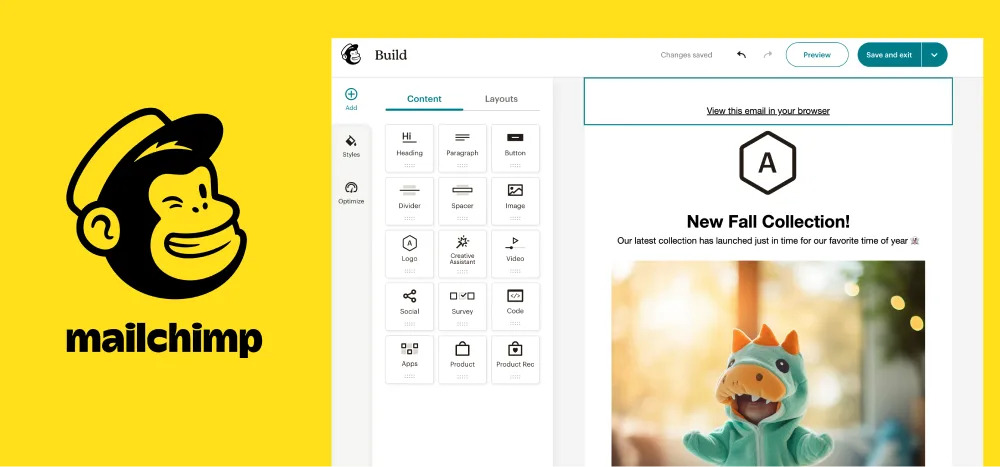
10. Mailchimp for WordPress
Class: Integration of Social Media
Website: https://wordpress.org/plugins/mailchimp-for-wp/
Why it is important?
This plugin makes it convenient to build and manage your Mailchimp lists directly from WordPress. Email marketing is one of the highest ROI strategies when it comes to digital marketing and this plugin proves to be super beneficial.
Core Functions:
- Seamless form integration
- WooCommerce compatibility
- AJAX-powered submission (no page reload)
- GDPR-ready forms
- Email signups via comments, WooCommerce checkout, and more
Pro Tip: You can use conditional logic in your forms to categorize your list based on user interest or behavior.
Let’s Summarize
As a digital marketer it is very important to choose the right plugins that can save time, optimize performance and unlock powerful features that drive results. Whether you are a beginner or looking to upgrade your toolkit, these 10 plugins cover all the essentials:
- SEO (Rank Math)
- Analytics (MonsterInsights)
- Design (Elementor)
- Speed (WP Rocket)
- CRM & Automation (HubSpot)
- Social (Social Snap + Smash Balloon)
- Conversion (OptinMonster)
- Affiliate Marketing (Pretty Links)
- Email (Mailchimp)
Remember plugins are only helpful when used properly. Focus on your goals, test results daily, and continuously optimize your stack.
Do you have a favorite plugin that’s helped in your marketing journey? Share your recommendations in the comments below!